
How To Download Movies

?? GIF
2:3
loading gif..
step 1
Open the website
i) Open FundaMovie in a browser (e.g., Chrome) or search for our website on a search engine (e.g., Google) and visit the site. You will find our website easily.
ii) Browse to the movie you want. Tap the title or poster to open the details page.

?? GIF
2:3
loading gif..
step 2
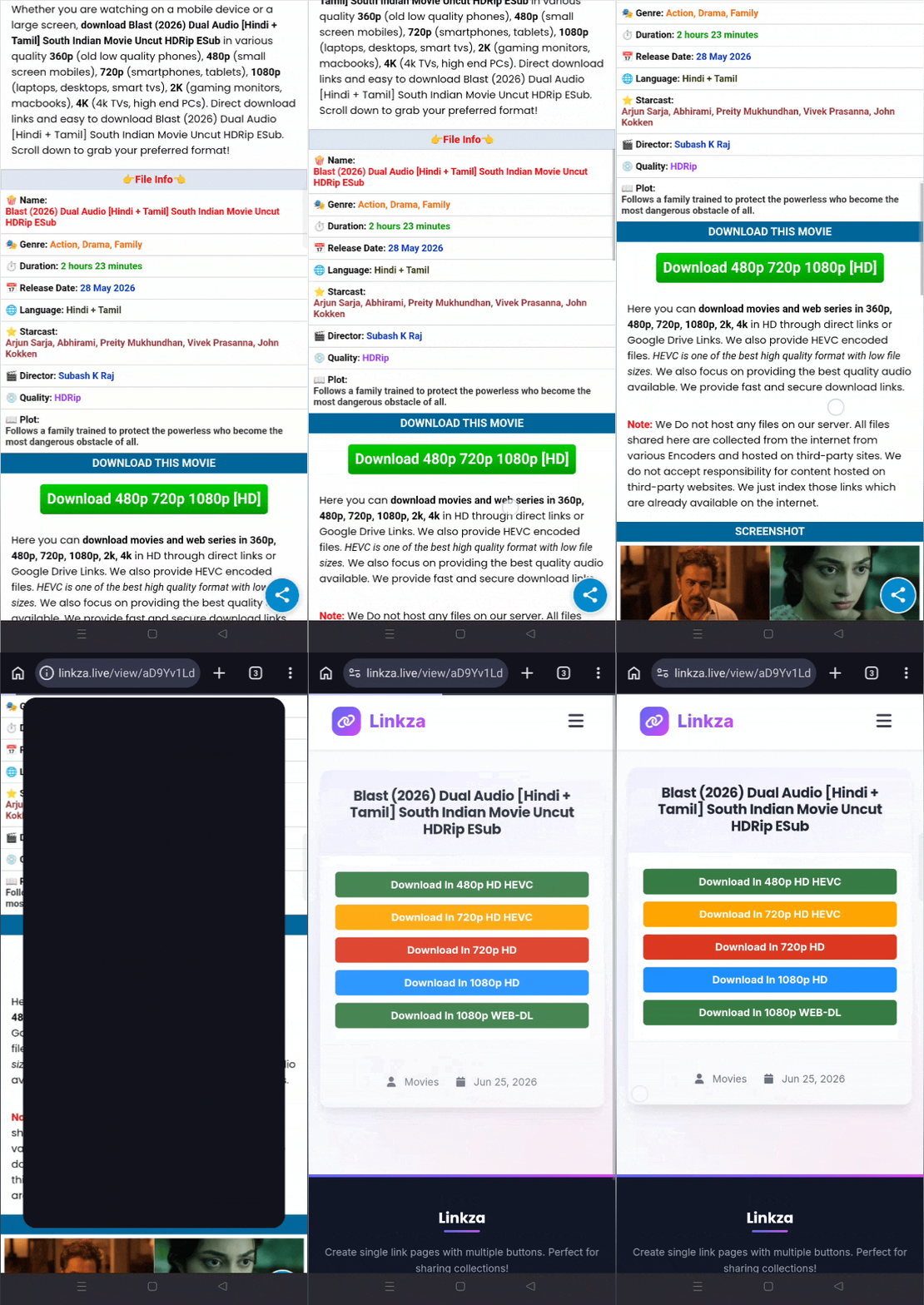
Movie Details
Review the movie details, such as movie information, screenshots, trailer, download link, and more.
?? GIF
2:3
loading gif..
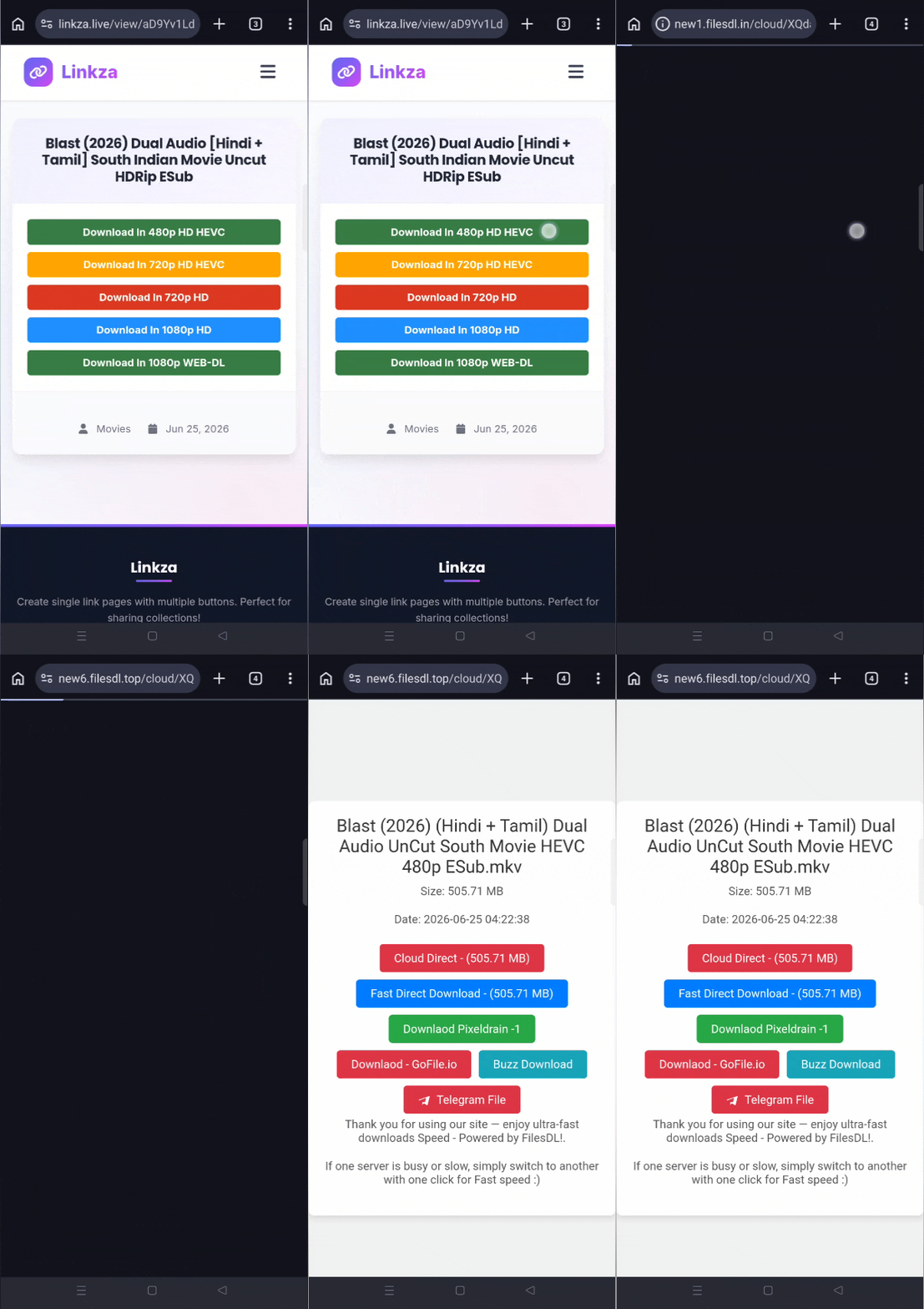
step 3
Tap the download button
Tap the download button. This will take you to a page where you can see all available download resources.
?? GIF
2:3
loading gif..
step 4
Choose quality & format
Select your preferred resolution (1080p, 720p, or 4K) and file format..
?? GIF
2:3
loading gif..
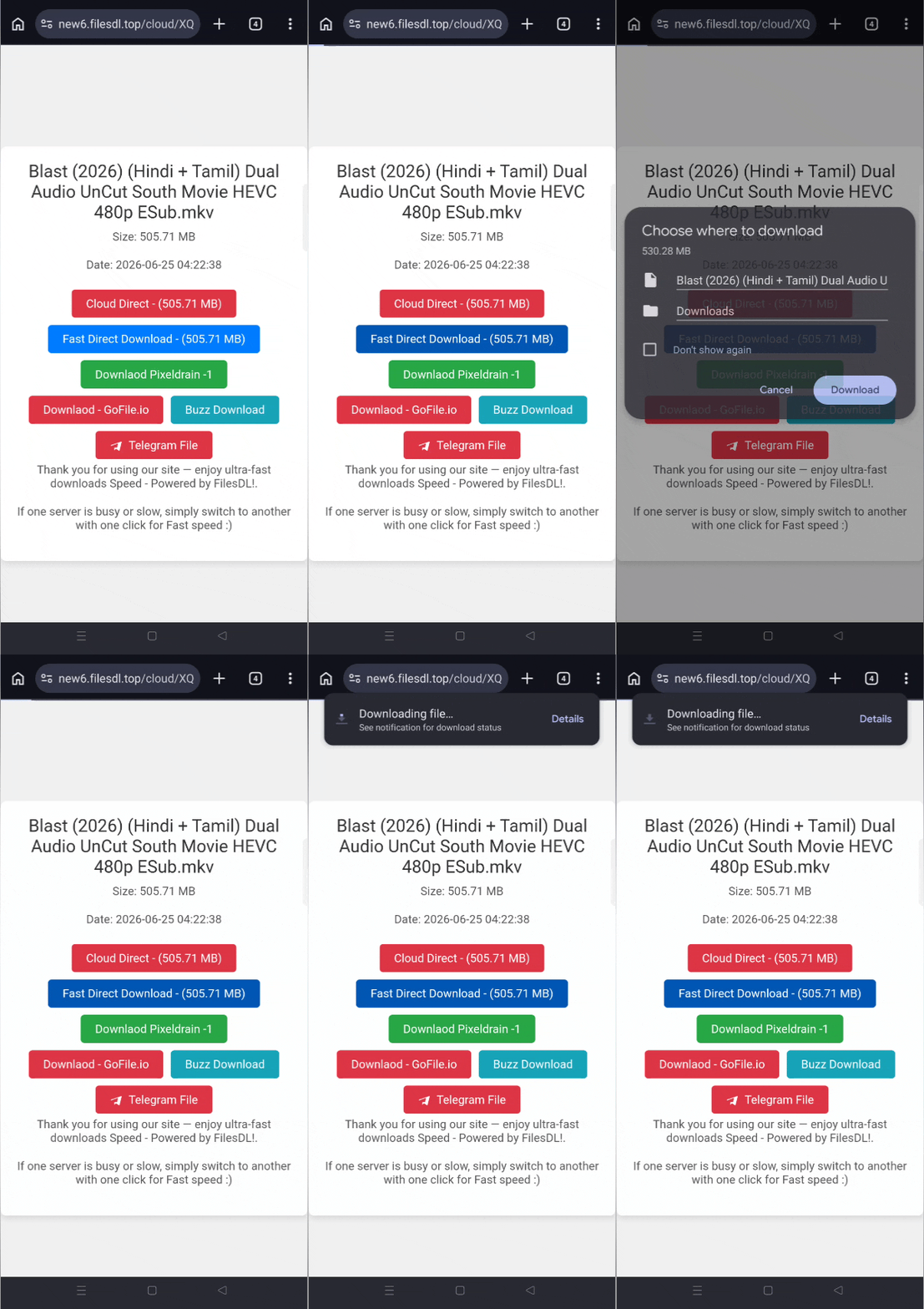
step 5
Choose Download Server
Choose a download server and the download will begin instantly. In case an ad page pops up, just close it and tap the download button again.
QUALITY GUIDE
RESOLUTION
| Quality | About | Remark |
|---|---|---|
| 480p | Low quality. Best for small phone screens. Saves data. | Standard Definition |
| 720p | Good quality. Standard for budget phones and tablets. Balanced data usage. | High Definition |
| 1080p | Great quality. Sharp on laptops and TVs. The most popular choice. | Full HD |
| 4K | Highest quality. Massive file size. Requires a 4K TV or monitor. | Ultra HD |
SOURCE & TYPE
| Source | About |
|---|---|
| BluRay | Best overall audio and video. Copied directly from a physical disc. Large files. |
| WEB-DL | Excellent quality. Captured directly from streaming services like Netflix or Amazon. Clean and crisp. |
| HDRip | Good quality. Compressed from a high-definition source to make the file size smaller. |
| HQCam | Poor quality. Recorded with a high-quality camera inside a movie theater. Shaky video, muffled sound. |
| HDTS | Poor quality. A theater recording but with a separate, better audio source plugged in. |
| pDVDRip | Bad quality. A low-grade digital copy of a promotional preview or theater recording. |
ENCODING
| Encode | About |
|---|---|
| AVC (H.264) | Highly compatible. Plays on almost any older phone, TV, or browser. Uses more storage space than HEVC. |
| HEVC (H.265) | Advanced compression. Gives you 1080p or 4K quality at nearly half the usual file size. |
COLOR & DISPLAY TECHNOLOGY
| BIT | About |
|---|---|
| 8-bit | Standard quality. Displays 16.7 million colors. Good for regular screens. |
| 10-bit | Premium quality. Displays over 1 billion colors. Eliminates color banding in gradients like skies and shadows. |
Last updated: 26 June 2026